Forum Discussion

Data is cut off at 100 rows
It appears there is a major bug in Power BI: data is cut off at 100 rows. 101st row, in our case, shows this error:
DataFormat.Error: OData The format 'application/atom+xml;charset=utf-8' is not supported.
Details: application/atom+xml;charset=utf-8
In Data view in Desktop you cannot see error:
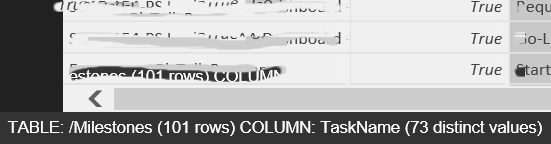
but in Query Editor it is shown:

Datasource type: OData feed
Datasource: Project Server reporting database
Please don’t tell that our data is corrupted – it is not. It is possible to retrieve other rows by slicing tables via
= Table.Range(#"Removed Other Columns",1200,100)
and then appending them together in a new table (very nice approach for querying DB, isn’t it?) – this way we are able to build reports.
Corresponding frown with PBIX file and screenshot was sent on Jan 11th, with no any response received so far.
====
Feedback Type:
Frown
Timestamp:
2016-01-11T15:56:21.2815289Z
Product Version:
2.30.4246.281 (PBIDesktop) (x64)
====
Could be regression of http://community.powerbi.com/t5/Desktop/Matrix-visualization-cuts-off-data/m-p/2918
Waiting for this bug to be fixed ASAP.
1 Reply
- Greg_Deckler
Community Champion
100RowsLimit - I would recommend turning on Tracing, File | Options & Settings | Options | Diagnostics | Enable Tracing and then run a refresh. Go to support.powerbi.com, use the Contact Us link on the right (scroll down) and send them all of the information, including your trace file. This is the official manner in which to submit bugs to support to make sure that they are tracked and resolved.
