Forum Discussion

Azure SQL Database Connector Issue
Hello,
I have created a report with Power BI Designer. It connects to an Azure SQL Database and an Excel file. It works, but after I upload it to the Web App, it will not refresh data from the Azure SQL Database automatically. When I key in my credentials to the database, it says:
Activity Id: 40b1ce8b-3598-41ca-b8e4-a4128b9f95bd
Request Id: 31a0295e-182d-4f33-3792-7b5ccd18e337
Status Code: 400
Time: Wed Jul 15 2015 16:13:25 GMT+0200 (Romance Daylight Time)
Version: 11.0.9167.381
As far as I know, I have "allowed access to Azure Services".
Also, when I create a dataset in the Web App, the Web App finds my tables/columns, but when I try using anything, it says: we couldn't retrieve the data for this visualization. (it looks a bit like this issue: http://stackoverflow.com/questions/31319480/why-does-power-bi-preview-have-an-issue-creating-visualizations-for-my-date-tabl)
Can you help me? Am I missing an obvious step?
6 Replies
 cpowroaNew Member
FYI, when I try another database on the same server - it works. Only this database does not work. (by the way, it is used for/by an Azure Mobile Service, I do not know if that matters)
 YoussefMicrosoft Employee
Hi,
Thanks for reporting this issue. I will create a ticket on our side and have someone look into it. I'll reach out to you if we need more information for the investigation.
Youssef
- jbocachicaResolver II
Hi, as you are combining your azure db with an excel file, your connection should be trying to from OnPremises go to azure to get data and then refresh it in powerbi, go to the computer that has the gateway installed and get the IP, then go to your azure db and create a firewall rule to allow that IP.
After that, try again from power bi.
Let me know if this workaround works
Regards
- cpowroaNew Member
Hello,
Thank you for your reply !
I do not think it is the issue, the database is configured to allow all IP (v4) addresses already. (0.0.0.0 -> 255.255.255.255)
I tried doing a simpler report but for some reason I cannot configure the datasource now after I upload it to PowerBI.com, the links remain gray. (it won't allow me to refresh unless I go to manage data sources first, it says it needs valid credentials first - could it be the case it is confusing this Azure SQL database for an on-premises one?)
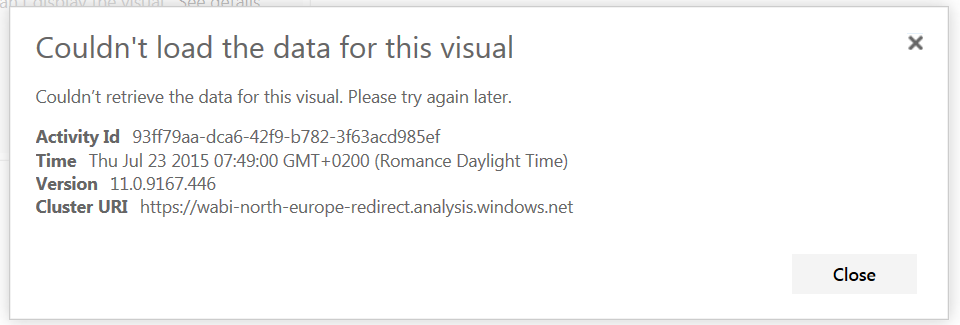
So I tried connecting to my Azure SQL database directly from PowerBI.com and here is what I got when I tried adding columns to a chart. (picture below)
Thank you, and good day,
- diverdown1964Most Valuable Professional
Would your table happen to be using some "exotic" fields? Like geometry or geography? THat has been a problem in the past. If so, try creating a view that leaxes those fields out.