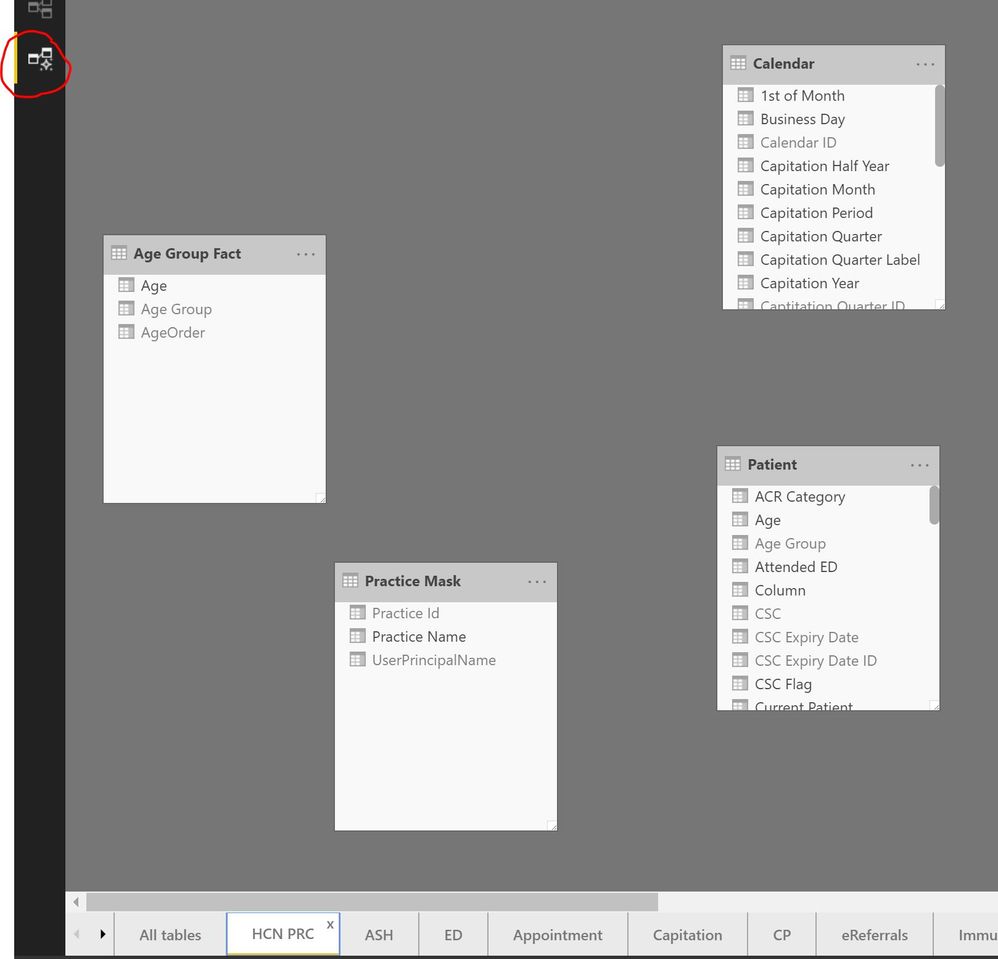
The latest Feb release of Power BI Desktop causes issues with existing diagrams in the new modelling view.
1) Tables are auto-arranged where they were manually positioned before.
2) All relationship lines are missing but re-appear when you click anywhere on the diagram background.
3) When you move a table it does not always respond and you have to click on it again and move it, ususally the first table you trry to move on any diagram.
4) When you move a table the relationship lines do not move with the object and appear disconnected. You have to click on the background to get the lines to redraw to the new positions.
None of the above problems occured in the December build.


 on:
Issue with new card visual - reference labels spac...
on:
Issue with new card visual - reference labels spac...
 mattlee
on:
Issue with new card visual after publishing to PBI...
mattlee
on:
Issue with new card visual after publishing to PBI...
 on:
Issue with Card Visual Layout After November Power...
on:
Issue with Card Visual Layout After November Power...
 on:
Adding a measure or column as a tooltip to an Azur...
on:
Adding a measure or column as a tooltip to an Azur...