Join us at FabCon Atlanta from March 16 - 20, 2026, for the ultimate Fabric, Power BI, AI and SQL community-led event. Save $200 with code FABCOMM.
Register now!The Power BI Data Visualization World Championships is back! Get ahead of the game and start preparing now! Learn more
I've gone back to an old report to try and add some extra data, and am receiving this error when trying to add any table or column, no matter the complexity:
"This step results in a query that is not supported in Direct Query mode".
I've seen some people on the forum saying it's related to preview features, and this report may have had preview features turned on in the past that can now no longer be enabled or disabled. As of now, there are no preview features enabled, and my version of Power BI Desktop is the latest.
Solved! Go to Solution.
Thanks for the reply.
I figured out the issue, I was using the incorrect role with the Power BI embedded api. Sending the correct role to the api has sorted out the problem.
Hi @mattjoseph ,
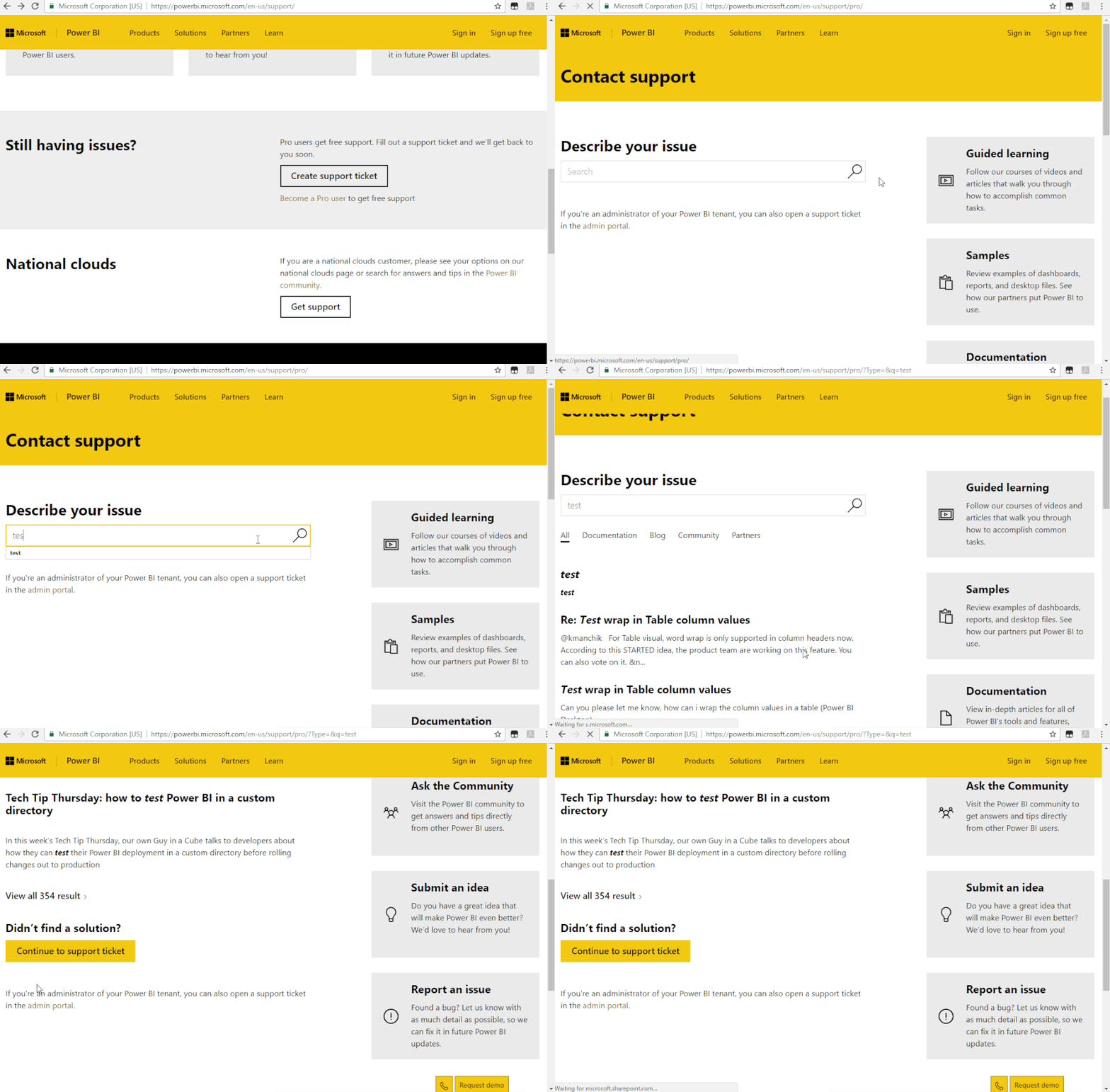
Could you please try to refresh the data and try again? If the issue still occur, I suggest to create a support ticket for help.
https://powerbi.microsoft.com/en-us/support/
Thanks for the reply.
I figured out the issue, I was using the incorrect role with the Power BI embedded api. Sending the correct role to the api has sorted out the problem.
Check out the November 2025 Power BI update to learn about new features.
Advance your Data & AI career with 50 days of live learning, contests, hands-on challenges, study groups & certifications and more!
| User | Count |
|---|---|
| 58 | |
| 45 | |
| 41 | |
| 21 | |
| 18 |