Join us at FabCon Atlanta from March 16 - 20, 2026, for the ultimate Fabric, Power BI, AI and SQL community-led event. Save $200 with code FABCOMM.
Register now!View all the Fabric Data Days sessions on demand. View schedule
hello
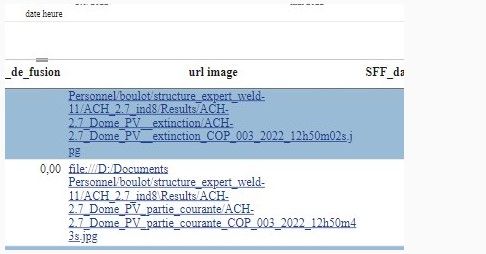
I display in a table, links to images
these images are stored on a network drive
however, when I click on the links, nothing happens whether I am in the desktop or web version of power bi
if I copy the link and paste it in the browser, it works perfectly
HI @monfiston ,
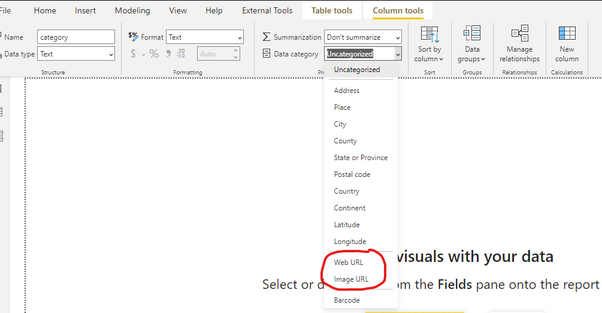
What is the data category defined for this column url image?
It should be set to URL from the top ribbon in Power BI:
In your case, I think it should be set to Web URL.
hello
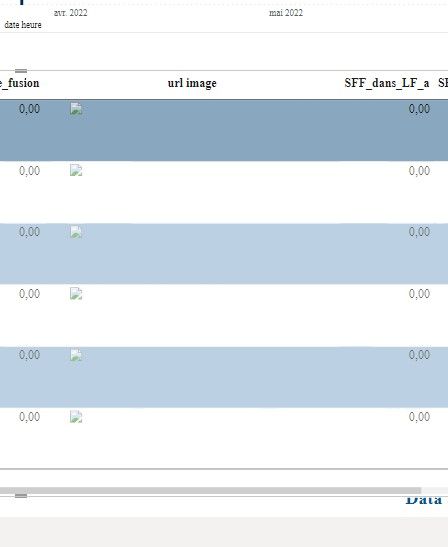
it does not work
this is what i get if i put url image
the links of the images are good, but they are on the hard disk, and it is impossible for me to put them on the internet (there are thousands of them)
Check out the November 2025 Power BI update to learn about new features.
Advance your Data & AI career with 50 days of live learning, contests, hands-on challenges, study groups & certifications and more!