cancel
Showing results for 
Search instead for 
Did you mean: 

View all the Fabric Data Days sessions on demand. View schedule

Reply
Gianluigi
Helper II
Helper II

format Date

HI,
I import a csv file 


02/10/2023;10/10/2023
31/12/2023;02/01/2024
04/05/2023;01/06/2023
10/03/2021;10/04/2021


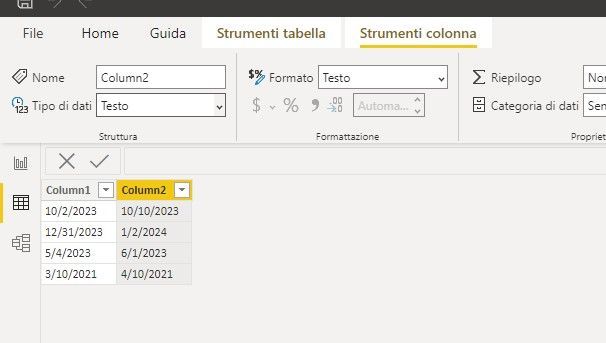
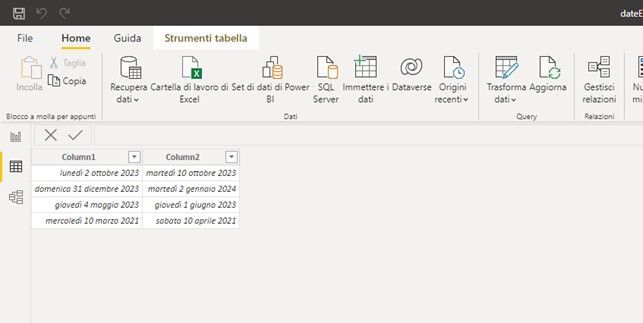
power bi recognizes the date ( dd/mm/yyy Italian) by importing it correctly


if I transform the field of type date into string , the date becomes mm/dd/yyyy

see Attachment


HelpImmagine3.jpgImmagine2.jpgImmagine1.jpg


2 REPLIES 2
vicky_
Super User
Super User

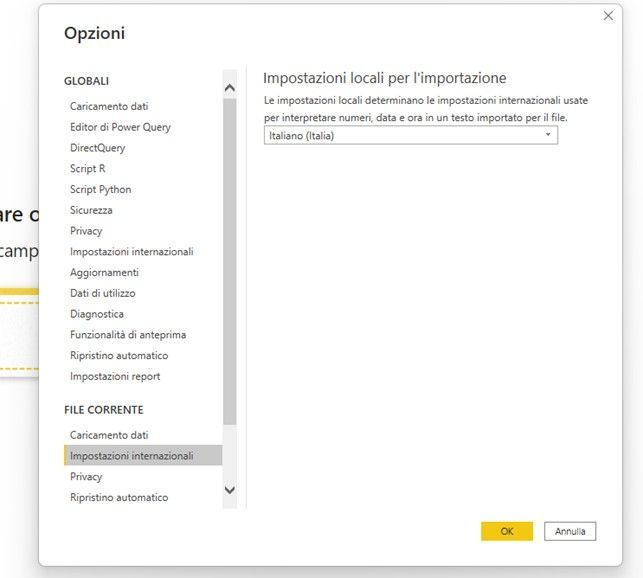
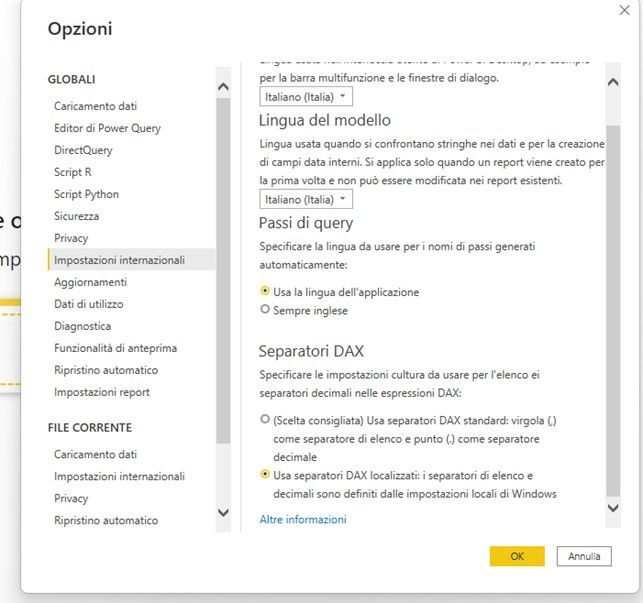
You can use FORMAT([date], "dd/mm/yyy") to force it to display in a certain format. Other than that, check that your local pc (windows) settings are using the correct date format, or take a look at the Power BI settings under File > Options > Regional Settings (both Global and Current File).

Hi,

the settings seem correctImmagine5.jpgImmagine4.jpg

Helpful resources

Announcements
November Power BI Update Carousel

Power BI Monthly Update - November 2025

Check out the November 2025 Power BI update to learn about new features.

Fabric Data Days Carousel

Fabric Data Days

Advance your Data & AI career with 50 days of live learning, contests, hands-on challenges, study groups & certifications and more!

FabCon Atlanta 2026 carousel

FabCon Atlanta 2026

Join us at FabCon Atlanta, March 16-20, for the ultimate Fabric, Power BI, AI and SQL community-led event. Save $200 with code FABCOMM.

Top Solution Authors
Top Kudoed Authors