Hi @Anonymous ,
I cannot reproduce your issue. My test version 2.107.683.0 64-bit (July 2022). What is yours?
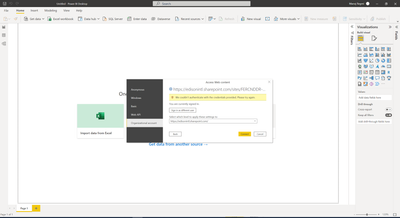
This maybe a permission/authentication error. When you connect to the data source in an unauthorized account, the corresponding credential would be created. So you need to change credential, go to “File –> Options and Settings –> Data Source Settings”, under “Global permissions”, choose to delete the old data source connections permission and click on Edit permission in Power BI Desktop. Then try to connect to it again and check if it is successful.
I have also found a similar post, please refer to it to see if it helps you.
SQL - "We couldn't authenticate with the credentials provided"
- need to provide Server credentials not windows. Use Other Tab.
If it still errors, please provide more details.
Best Regards
Community Support Team _ Polly
If this post helps, then please consider Accept it as the solution to help the other members find it more quickly.