Join us at FabCon Atlanta from March 16 - 20, 2026, for the ultimate Fabric, Power BI, AI and SQL community-led event. Save $200 with code FABCOMM.
Register now!Get Fabric Certified for FREE during Fabric Data Days. Don't miss your chance! Request now
When I try to connect to Azure Blob Storage thru PowerBI Desktop, after sometime I get following message,
---
We encountered an error while trying to connect.
Details: "AzureBlobs failed to get the response: 'The underlying connection was closed: An unexpected error occurred on a send.'."
---
What can be reason of above issue?
FYI- I'm able to connect to same Azure Blob Storage thru 'Azure Storage Explorer'.
Solved! Go to Solution.
Hi @smfaizhaider,
I can connect azure blob storage and load the data, can you please share some detail content about your operations steps?
My test steps:
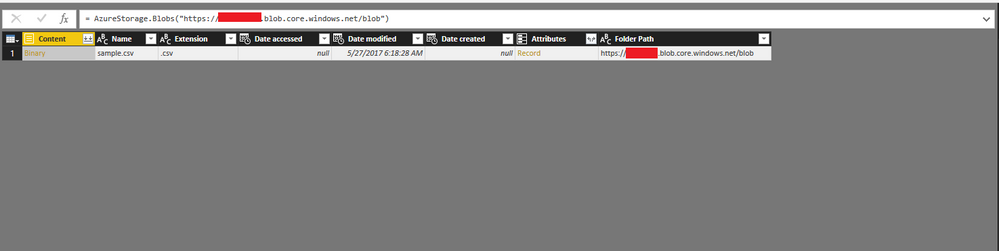
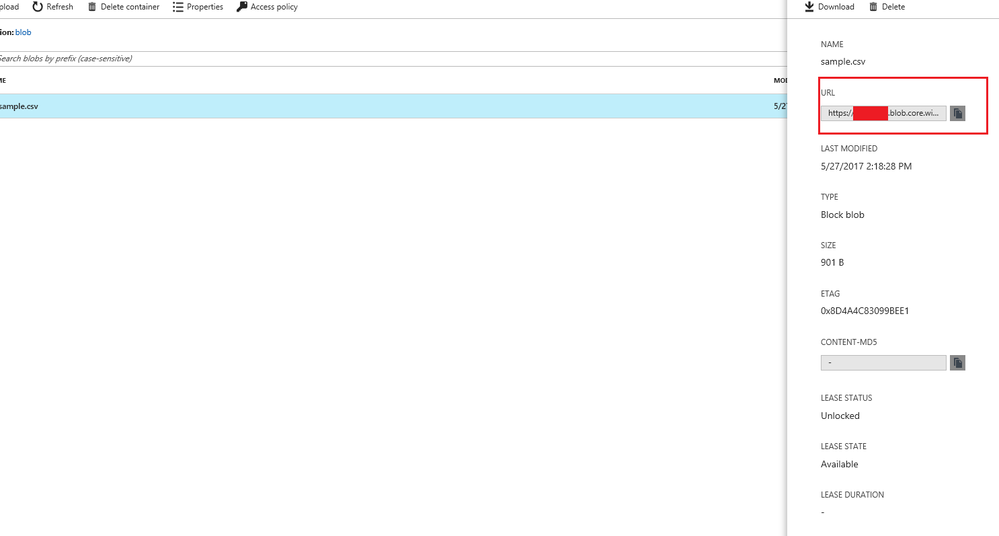
1. Copy the folder url from azure, then input it to power bi connect panel.
2. Copy the access key from azure and input to power bi
Regards,
Xiaoxin Sheng
Hi @smfaizhaider,
I can connect azure blob storage and load the data, can you please share some detail content about your operations steps?
My test steps:
1. Copy the folder url from azure, then input it to power bi connect panel.
2. Copy the access key from azure and input to power bi
Regards,
Xiaoxin Sheng
Hello @Anonymous
Thanks for the help, it seems after all it was network glitch...![]()
@smfaizhaider could you tell me what was the issue? I have a similar problem - I can connect with my blob from a PROD Server (Azure VM) using "Azure Storage Explorer" and I can successfully test the connection in SSIS using "Azure Storage Connection Manager", but I can not pull data from BLOB using "Azure Blob Download Task" - I have an error like "The underlying connection was closed: An unexpected error occurred on a send".
Can Anyone help?
When I try to connect to Azure Blob Storage thru PowerBI Desktop, after sometime I get following message,
---
We encountered an error while trying to connect.
Details: "AzureBlobs failed to get the response: 'The underlying connection was closed: An unexpected error occurred on a send.'."
---
What can be reason of above issue?
FYI- I'm able to connect to same Azure Blob Storage thru 'Azure Storage Explorer'.
Check out the November 2025 Power BI update to learn about new features.
Advance your Data & AI career with 50 days of live learning, contests, hands-on challenges, study groups & certifications and more!