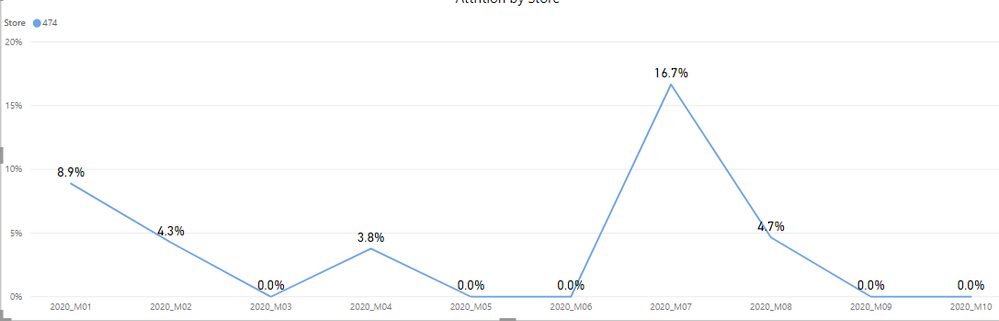
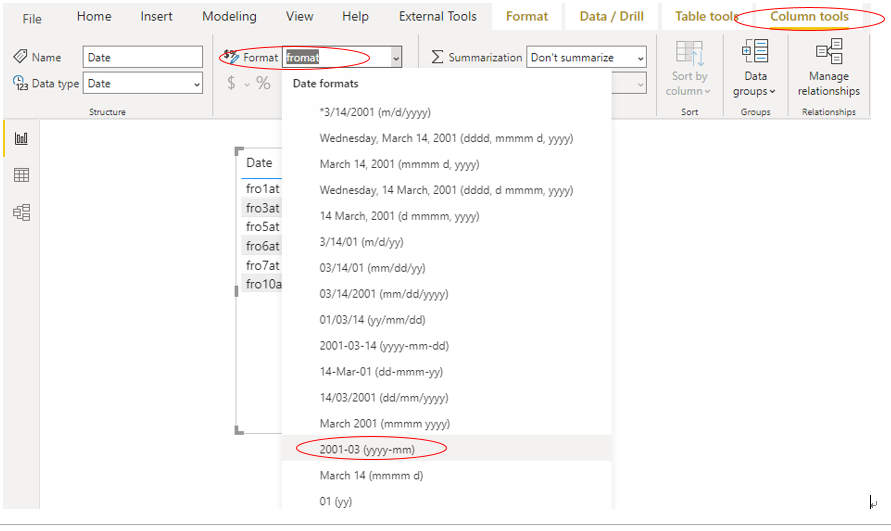
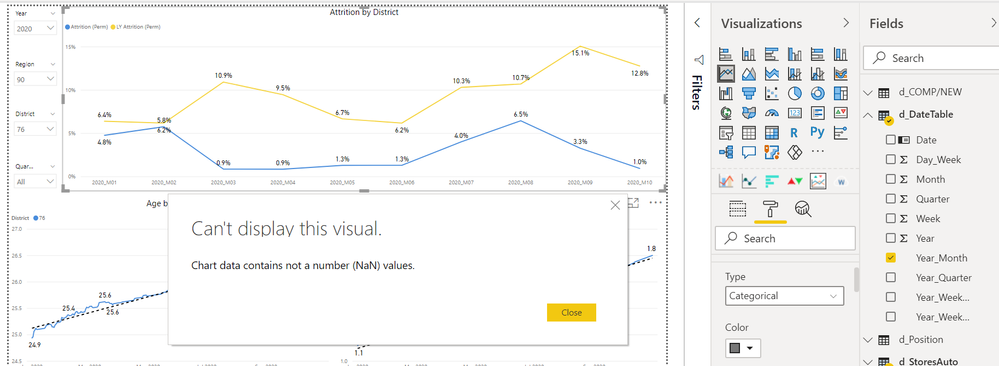
How can I add a trendline into a graph where the Axis are the dates(Year and month), but is established as text(unable to change it to date) and could add the trendline?
d_DateTable =
VAR EarliestDate =
MIN ( MIN ( f_DailySales[Date] ), MIN ( f_Employees[EmpLeavDate] ) )
VAR LatestDate =
MAX ( MAX ( f_DailySales[Date] ), MAX ( f_Employees[EmpJoinDate] ) )
VAR StartDate =
DATE ( YEAR ( EarliestDate ), 1, 1 )
VAR EndDate =
DATE ( YEAR ( LatestDate ), MONTH ( LatestDate ) + 1, 1 ) - 1
RETURN
ADDCOLUMNS (
CALENDAR ( StartDate, EndDate ),
"Year", YEAR ( [Date] ),
"Quarter", QUARTER ( [Date] ),
"Month", MONTH ( [Date] ),
"Week", WEEKNUM ( [Date], 1 ),
"Year_Quarter", YEAR ( [Date] ) & "_Q"
& QUARTER ( [Date] ),
"Year_Month", YEAR ( [Date] ) & "_M"
& FORMAT ( MONTH ( [Date] ), "00" ),
"Year_WeekNum", YEAR ( [Date] ) & "_W"
& FORMAT ( WEEKNUM ( [Date], 1 ), "00" ),
"Day_Week",WEEKDAY([Date],2),
"Year_WeekNum (Skechers)",
VAR SkWeek =
LOOKUPVALUE ( d_SkechersWeeks[Skechers Week], d_SkechersWeeks[Date], [Date] )
VAR LastSkDay =
MAX ( d_SkechersWeeks[Date] )
VAR WeekNum_Bias =
VALUE (
RIGHT (
LOOKUPVALUE ( d_SkechersWeeks[Skechers Week], d_SkechersWeeks[Date], LastSkDay ),
1
)
)
- WEEKNUM ( LastSkDay, 1 ) //-1
VAR AdjustedWeekNum =
YEAR ( [Date] ) & "_W"
& FORMAT ( WEEKNUM ( [Date], 1 ) + WeekNum_Bias, "00" )
RETURN
IF ( [Date] > LastSkDay, AdjustedWeekNum, SkWeek )
)
As I want to obtain the values from each month and year, I created the date(Year_month) to could minimise the amount of data, but due as it is established as Text cant add a trendline.