Hello everyone, I have a problem.
The company where I work has divisions where several sectors are grouped according to a production they perform.
I am currently going back to my dashbords directly through the data flows and I came across a problem that I can not solve .. In order to maintain the history of changes, the system has a valve table of these blocks, similar to below.

Using it I do the direct relationship with another that has the sectors, through the NR_PK key column, working perfectly through the filtering of these numbers ..
But there is a problem in relating the calendar of the dates, I can not do directly because it would only understand the dates pointed to the DT_INI column. As I do Pro Power BI understand that you should filter the NR_PK "1" for the entire period from 01/01/2012 to 12/31/2014 ???, and the NR_PK "10 for the period between 01/01 / 2015 to 05/09/2017! ???
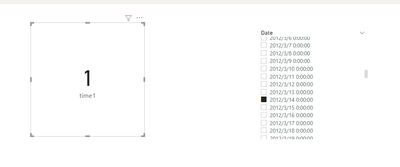
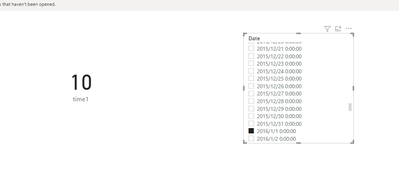
For example if I filter randomly the date of 03/14/2012 he understood that the NR_PK is 1, and if I filter the date 01/01/2016 he will understand that the NR_PK should be 10 ..
Thank you in advanced for any help.