cancel
Showing results for 
Search instead for 
Did you mean: 

The Power BI Data Visualization World Championships is back! Get ahead of the game and start preparing now! Learn more

Reply
fabjolakasaj
Frequent Visitor

Replace slicer with a single button.

Hello !


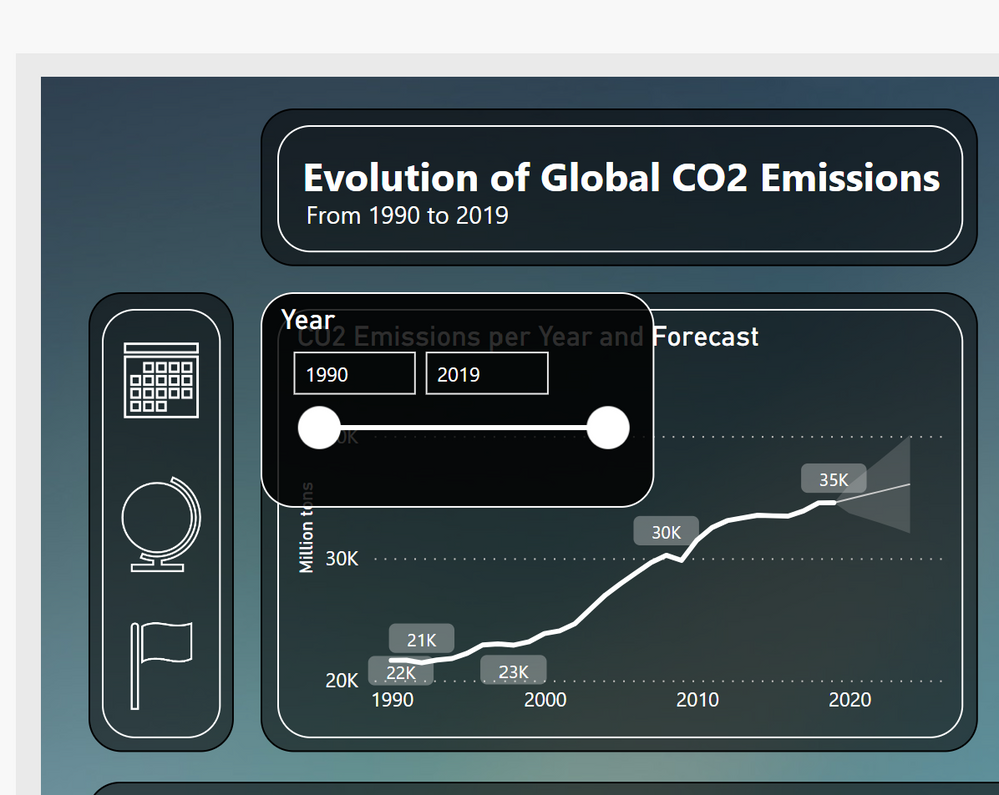
I would like to ask how to replace a slicer with a single button. I am not talking about setting it up as tiles but would like the slicer to be displayed as a button and when i click on it it pops up the options. I saw this option in an other dashbord and was wondering how can this be done?

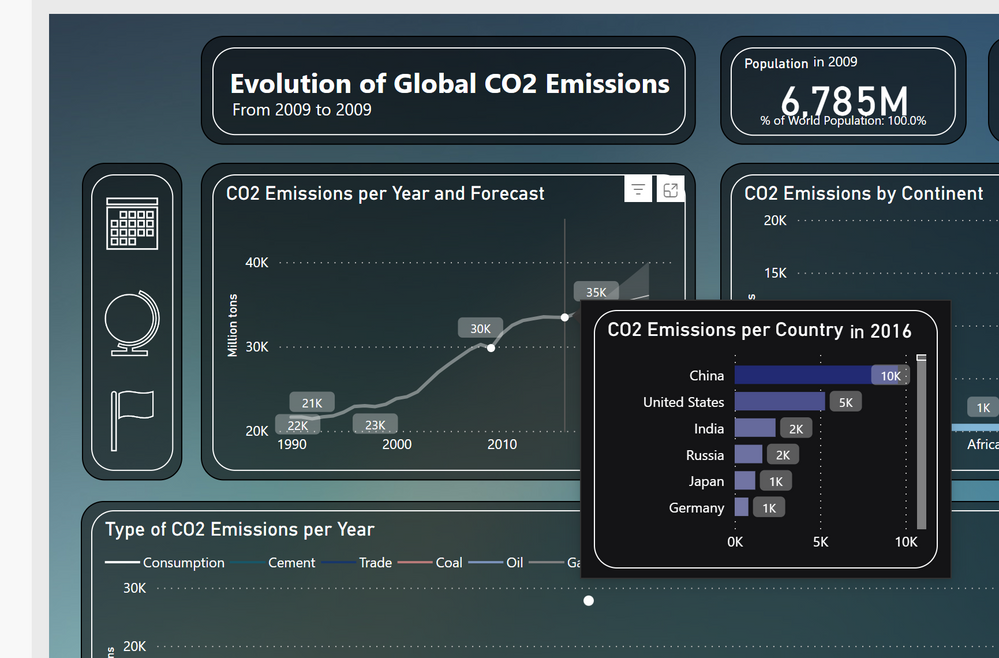
What about placing the mouse on the line and poping up another secondary graph?


Both questions are shown on pictures attached.


Thank you in advance!Screenshot (1).png


ButtonButton

2 REPLIES 2
Anonymous
Not applicable

Hi @fabjolakasaj 

1. Replace a slicer with a single button

You can try to use bookmark and navigation button, you can refer to the following video.

Power BI PAGE NAVIGATION Panel With Bookmarks & Bu... - Microsoft Power BI Community

2. Placing the mouse on the line and poping up another secondary graph

You can use custom tooltips, it can display the special visual you have set, you can refet to the following link.

Create report tooltip pages in Power BI - Power BI | Microsoft Learn


Best Regards!

Yolo Zhu

If this post helps, then please consider Accept it as the solution to help the other members find it more quickly.


MattAllington
Community Champion
Community Champion

I wrote this article a few years ago. It should help 

https://exceleratorbi.com.au/create-a-power-bi-slicer-panel/


* Matt is an 8 times Microsoft MVP (Power BI) and author of the Power BI Book Supercharge Power BI.
I will not give you bad advice, even if you unknowingly ask for it.

Helpful resources

Announcements
Power BI DataViz World Championships

Power BI Dataviz World Championships

The Power BI Data Visualization World Championships is back! Get ahead of the game and start preparing now!

December 2025 Power BI Update Carousel

Power BI Monthly Update - December 2025

Check out the December 2025 Power BI Holiday Recap!

FabCon Atlanta 2026 carousel

FabCon Atlanta 2026

Join us at FabCon Atlanta, March 16-20, for the ultimate Fabric, Power BI, AI and SQL community-led event. Save $200 with code FABCOMM.