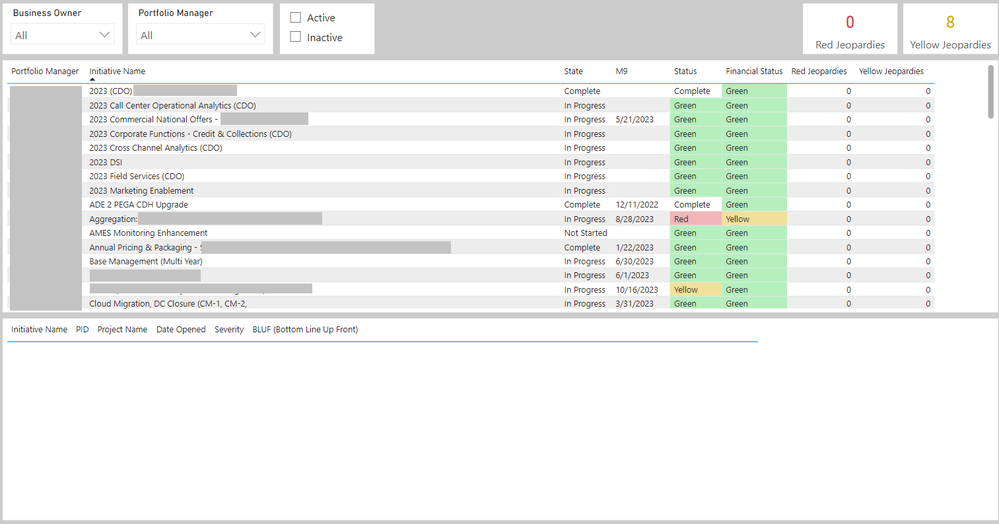
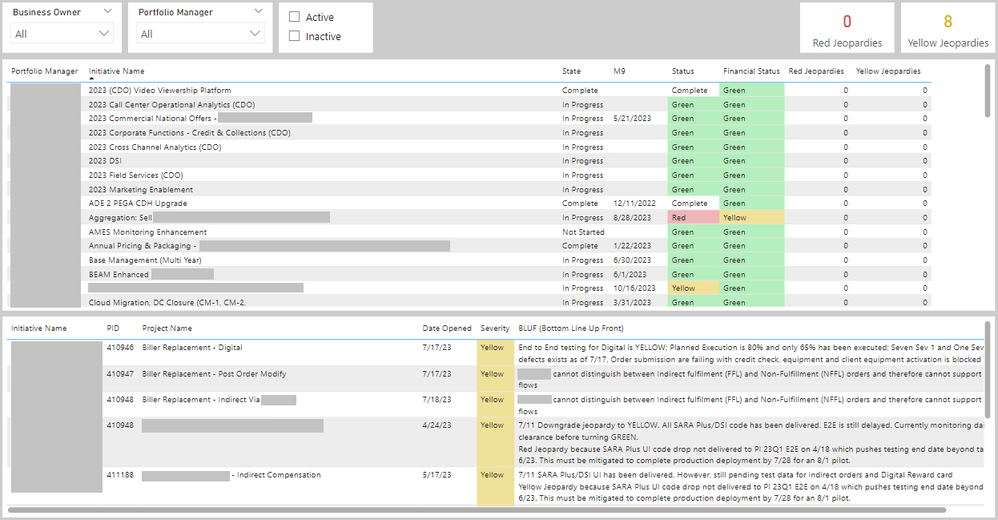
I have a report I run that includes a high-level table at the top with statuses at the Initiative level. Below that is a table that includes the risks that appear at the Project level (it also filters if they click a row in the top table to only display the appropriate initative's projects in the lower table). This works perfectly on my local Power BI file (image 2). However, each time I publish the file to our Power BI instance, the lower table does not populate (image 1). I researched this previously and found that the issue was likely due to an error in the Dataset, so I deleted the dataset (which in turn deleted the report) and reposted it and it worked. This morning I noticed the same thing happened again. Each time I delete this report I have to contact our CFO to ensure she's using the latest link, which is not something I'd like to make a habbit of.
Does anyone have any ideas why the lower table is not able to populate after publishing the report?