cancel
Showing results for 
Search instead for 
Did you mean: 

The Power BI Data Visualization World Championships is back! Get ahead of the game and start preparing now! Learn more

Reply
Anonymous
Not applicable

Need to change area name frequently in synoptic panel visual.

Hi All,


I am using synoptic panel visual to trace and highlight selected location area coming from DB. Whenever location area name from DB side gets changed,everytime I need to re-create whole svg file from the start(ie from dragging .png image into "synoptic.design" then renaming it as per DB's updated column value and then importing respective .svg file and editing it into Inkscape etc) . As we know specific column names should match an area names in this visual. This become very lengthy process to follow for every single location area name change from DB. 


So my question that is there any way to rename location area name as per updated DB location area name in runtime synoptic panel visual ?? 


TIA.

Shraddha.

1 ACCEPTED SOLUTION
Anonymous
Not applicable

Hi Dale,


Thanks for your answer. I have just contacted OKViz support team and they resolved my issue. 

With any textual editor we can edit SVG files and can rename any area according to DB change of column change,in my case. 


Thanks OKViz support team for quick response. 🙂


Regards,

Shardhha

View solution in original post

2 REPLIES 2
v-jiascu-msft
Microsoft Employee
Microsoft Employee

Hi Shraddha,


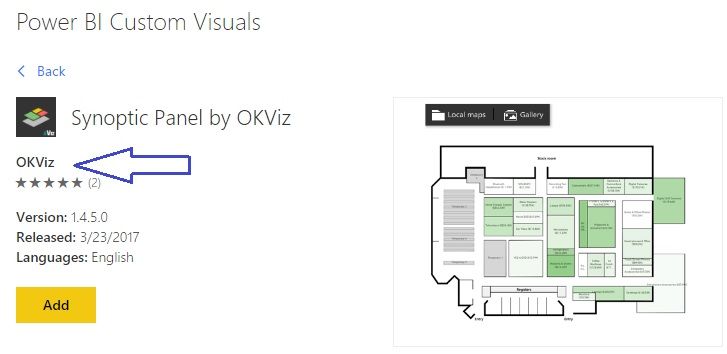
I have watched the demo video in http://okviz.com/synoptic-panel/. I afraid the area name can't be changed in Power BI. If you want more help or features of this visual, please contact http://okviz.com/support/ due to this visual is published by OKViz. Need to change area name frequently in synoptic panel visual.jpg


Best Regards!

Dale


Community Support Team _ Dale
If this post helps, then please consider Accept it as the solution to help the other members find it more quickly.
Anonymous
Not applicable

Hi Dale,


Thanks for your answer. I have just contacted OKViz support team and they resolved my issue. 

With any textual editor we can edit SVG files and can rename any area according to DB change of column change,in my case. 


Thanks OKViz support team for quick response. 🙂


Regards,

Shardhha

Helpful resources

Announcements
Power BI DataViz World Championships

Power BI Dataviz World Championships

The Power BI Data Visualization World Championships is back! Get ahead of the game and start preparing now!

December 2025 Power BI Update Carousel

Power BI Monthly Update - December 2025

Check out the December 2025 Power BI Holiday Recap!

FabCon Atlanta 2026 carousel

FabCon Atlanta 2026

Join us at FabCon Atlanta, March 16-20, for the ultimate Fabric, Power BI, AI and SQL community-led event. Save $200 with code FABCOMM.