Join us at FabCon Atlanta from March 16 - 20, 2026, for the ultimate Fabric, Power BI, AI and SQL community-led event. Save $200 with code FABCOMM.
Register now!View all the Fabric Data Days sessions on demand. View schedule
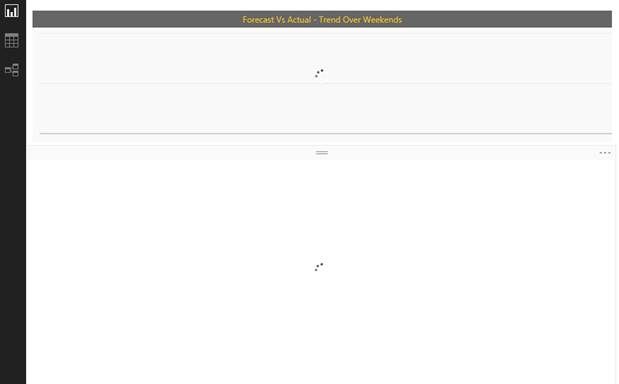
After the update to latest version of PBI Desktop, I could open the PBIX file, refresh data and save. Today when I open, the PBI desktop opens but the report page does not load, It just spins and finally the PBI desktop shows it is not responding.
Attaching a screenshot.
Solved! Go to Solution.
Yes, it is company's private data. Can traces be enabled and when the issue occurs, can the log file be sent?
As an update : I reinstalled the latest version and it seems to working again now.
The PBIX opened in the previous verison.
Does this file contains any private data? Can you share this PBIX file with our team, so we can investigate this issue?
Alex.
Yes, it is company's private data. Can traces be enabled and when the issue occurs, can the log file be sent?
As an update : I reinstalled the latest version and it seems to working again now.
Great to hear that it works... Please send a 'Frown' if you run into this again and we can start looking into this...
Alex.
Use the smiley icon in the upper left to "send a frown" to support. They will probably ask you to share your PBIX file.
Check out the November 2025 Power BI update to learn about new features.
Advance your Data & AI career with 50 days of live learning, contests, hands-on challenges, study groups & certifications and more!