Join us at FabCon Atlanta from March 16 - 20, 2026, for the ultimate Fabric, Power BI, AI and SQL community-led event. Save $200 with code FABCOMM.
Register now!Vote for your favorite vizzies from the Power BI Dataviz World Championship submissions. Vote now!
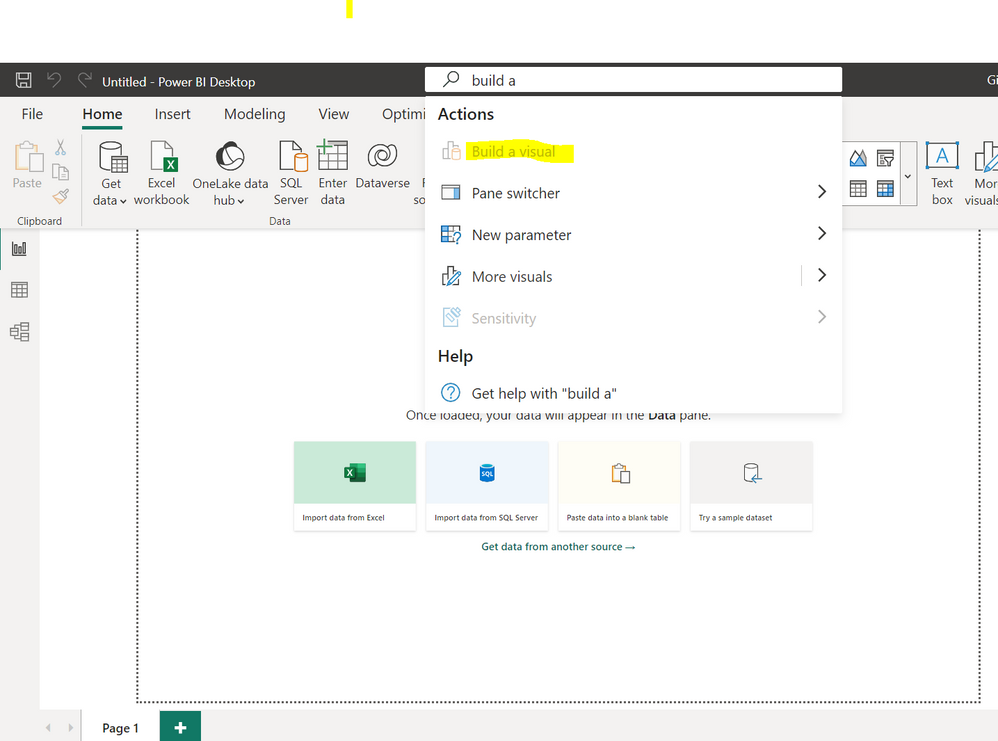
Hi, i am new in this forum, i have an issue with powerBI Desktop. In my case the option "build a visual" is not avaliable and if i try to activate is not clicable any hint how can i activate this function? PowerBi Version: 2.119.986.0 64-bit (July 2023)
Thanks for the help
Solved! Go to Solution.
Have you imported your data?
Did it work ? 👍 A kudos would be appreciated 📢 Mark it as a solution to help spreading knowledge
Have you imported your data?
Did it work ? 👍 A kudos would be appreciated 📢 Mark it as a solution to help spreading knowledge
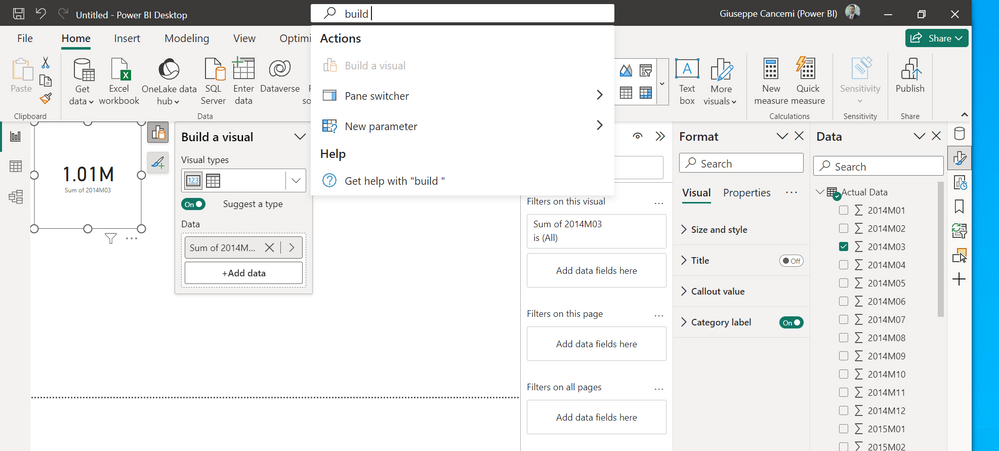
Hi @DataVitalizer yes the data are imported from an excel file or any other sources but it seems this option is not avaliable in my case to use the data visualization in the attachment my interface of PowerBI
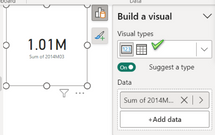
You can still change the visual from the pop up screen
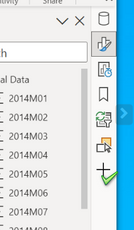
And also try adding the build a visual tab by click on +
Did it work ? 👍 A kudos would be appreciated 📢 Mark it as a solution to help spreading knowledge
Vote for your favorite vizzies from the Power BI World Championship submissions!
If you love stickers, then you will definitely want to check out our Community Sticker Challenge!
Check out the January 2026 Power BI update to learn about new features.
| User | Count |
|---|---|
| 55 | |
| 52 | |
| 41 | |
| 16 | |
| 16 |
| User | Count |
|---|---|
| 107 | |
| 103 | |
| 40 | |
| 33 | |
| 25 |