cancel
Showing results for 
Search instead for 
Did you mean: 

The Power BI Data Visualization World Championships is back! Get ahead of the game and start preparing now! Learn more

Reply
nicolexanne
New Member

How to view the Properties Pane on Relationship View

I have a newer verion of Power Bi and when I go to my Relationships tab to try and make folders to drop all of my measures into, it's not there. A coworker has an older version and she still has this option. I cannot figure out how to get the Properties or Fields options back on that pane.

3 REPLIES 3
v-lili6-msft
Community Support
Community Support

HI  @nicolexanne 

1. try to upgrade power bi desktop to the latest version.

https://www.microsoft.com/en-us/download/details.aspx?id=58494


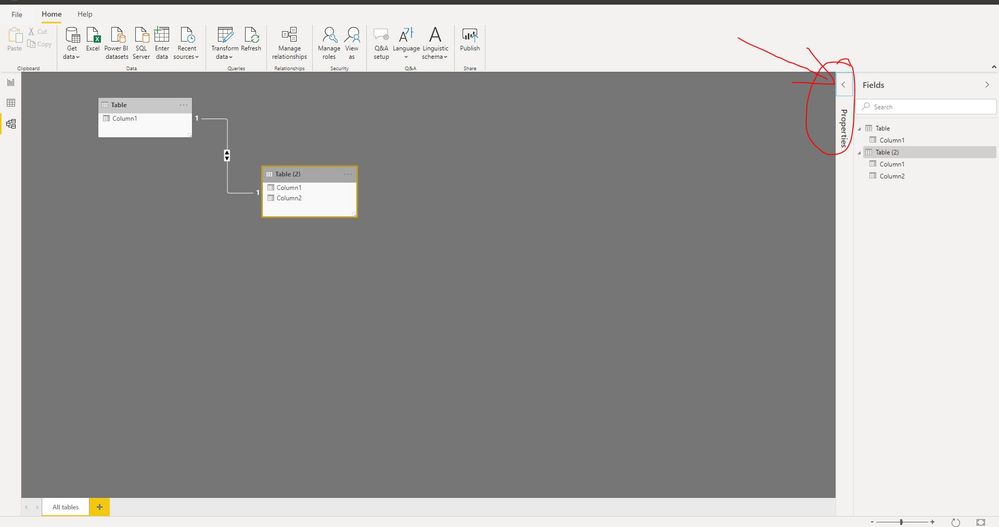
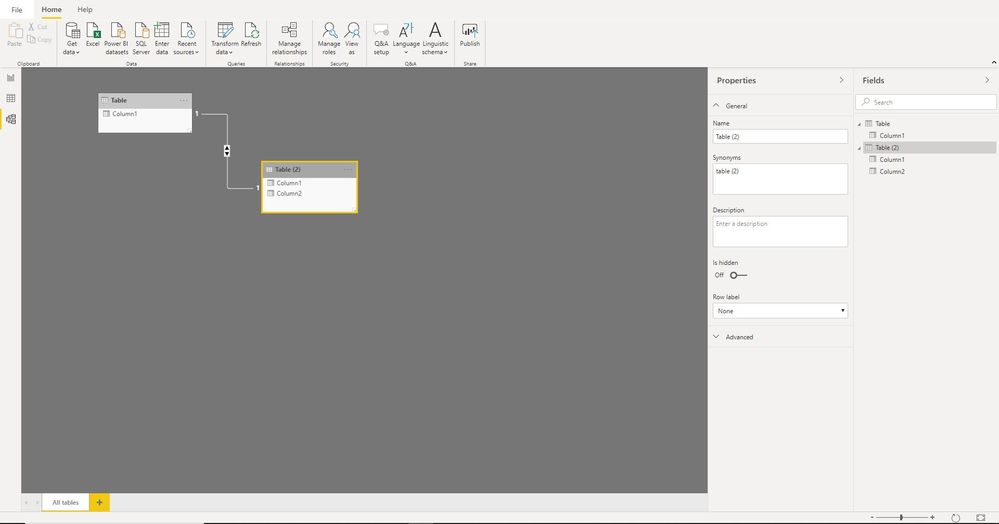
2. If the Properties Pane is folded up?

and also please selected a table or field on the right "Fields" pane.

2.JPG3.JPG


Regards,

Lin

Community Support Team _ Lin
If this post helps, then please consider Accept it as the solution to help the other members find it more quickly.
Anonymous
Not applicable

@nicolexanne In the bottom right corner of the relationships screen, click the rectangle. This is the "Fit to screen" button.

VijayP
Super User
Super User

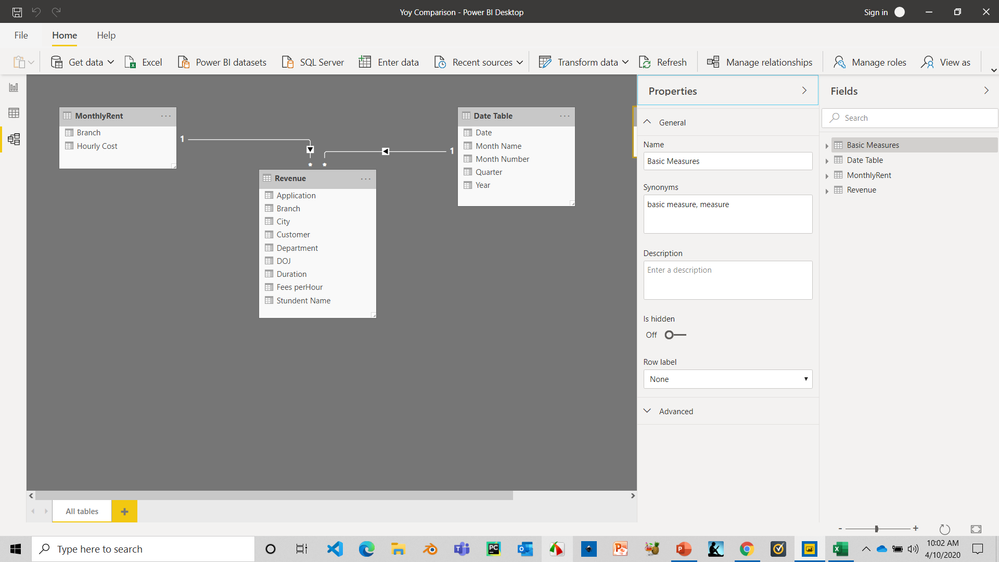
This is the latest version view and properties pane is avaialble.

you must have collapsed it. Check that

Vijay Perepa

2020-04-10_100220.png


Did I answer your question? Mark my post as a solution! Appreciate your Kudos!!
MY Blog || My YouTube Channel || Connect with me on Linkedin || My Latest Data Story - Ageing Analysis

Proud to be a Super User!


Helpful resources

Announcements
Power BI DataViz World Championships

Power BI Dataviz World Championships

The Power BI Data Visualization World Championships is back! Get ahead of the game and start preparing now!

December 2025 Power BI Update Carousel

Power BI Monthly Update - December 2025

Check out the December 2025 Power BI Holiday Recap!

FabCon Atlanta 2026 carousel

FabCon Atlanta 2026

Join us at FabCon Atlanta, March 16-20, for the ultimate Fabric, Power BI, AI and SQL community-led event. Save $200 with code FABCOMM.