Forum Discussion

 Advocate II
How to map latitude longitude
 Anonymous11 years ago
sjkp,
This one is a little counter intuitive. The only map tool that can take straight lat/long is Power Map in Excel, but there currently isn't any integration with the rest of the BI stack yet for that.
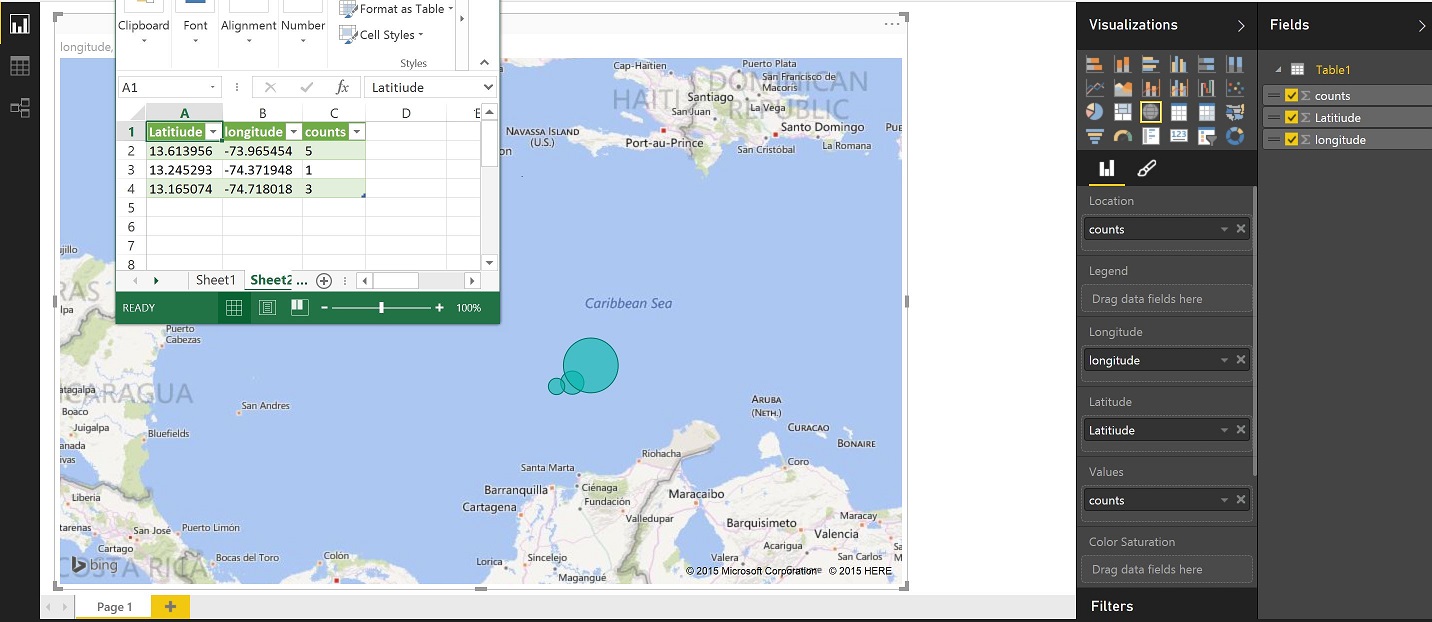
The way you do this in Power View - maps, or the PBI Desktop is put you lat and long in the appropriate Fields, then whatever it is you are examining in that location (count of wrecks, count of "x") that goes in the location and the value fields. Then your bubbles will show up in the middle of the ocean at the coordinates you specified in the lat/long.
If there aren't direct counts, I would assume you can just create a column to contain the value of 1 to make this work.
Here is a screenshot of the sample data I pulled in and the layout in PBI Desktop

Thank you for the date type decimal and data category tip
I have found that the longitude and latitude are accepted by POWERBI once the Data type = Decimal and the Data Category = Longitude or Latitude BUT POWER BI doesn't actually do anything with it. I have had success dropping the name of the suburb into the Location, then sales into the Values section. PowerMap is way better, but I suppose that is why it's called PowerMap :)
 bebeto10 years ago
Helper III
Hi,
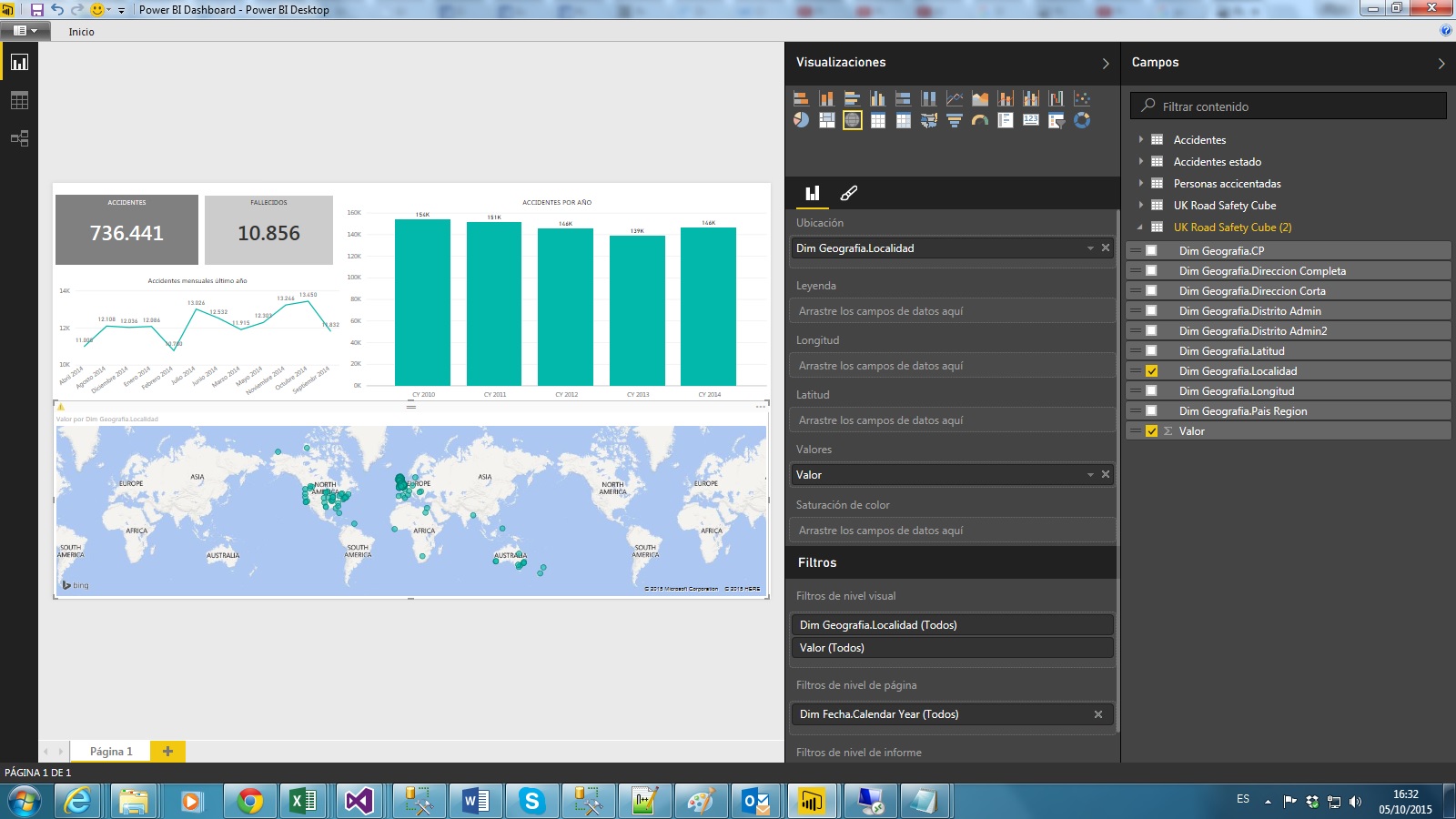
I have the same problem with a map in Power BI Desktop. I have some registers with Longitude and Latitude but when I want to see them in the map they don't appear correctly. Which is the solution? Thanks in advance.
All registers of my dataset are from the UK bit. I have tried putting "localidad" from the DimGeograpy in the "Ubicacion" field but, as some "localidad" fields are named as in Australia, for example, they appear in Australia. and not in the UK...