Forum Discussion

How to get data from SQL Server from an external server ?
 9 years ago
Hi Ghislain,
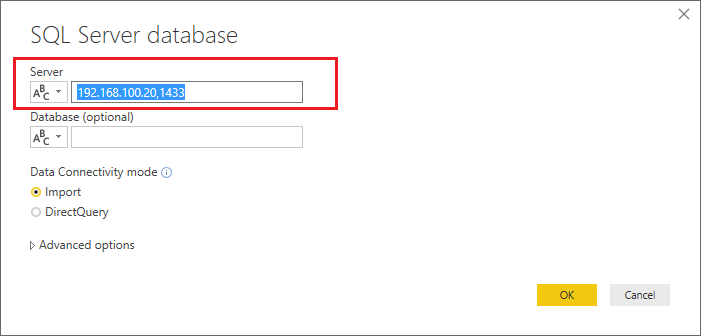
I just verified that I can connect successfully to one of my remote SQL Server by IP address with my Power BI Desktop. I'm using (IP,Port) for the Server field in Power BI Desktop.:smileyhappy:
Regards
Hi Ghislain,
I just verified that I can connect successfully to one of my remote SQL Server by IP address with my Power BI Desktop. I'm using (IP,Port) for the Server field in Power BI Desktop.:smileyhappy:
Regards
 Ghislain9 years agoAdvocate I
v-ljerr-msft Thanlks for your answer ! But where I can find the port ?
- v-ljerr-msft9 years agoMicrosoft Employee
Hi Ghislain,
Here a good article about how to identify SQL Server TCP IP port being used for your reference.:smileyhappy:
Regards
- Ghislain9 years agoAdvocate I
Thx I find it in Sql Server Config !!!
 Karthik124 years agoPost Patron
Hi, Woww.. I am also searing for the same. Is it applicable for MySQL too? Our production date tables stored in MySQL server and comes like .php.