Join us at FabCon Atlanta from March 16 - 20, 2026, for the ultimate Fabric, Power BI, AI and SQL community-led event. Save $200 with code FABCOMM.
Register now!The Power BI Data Visualization World Championships is back! It's time to submit your entry. Live now!
Hi everyone,
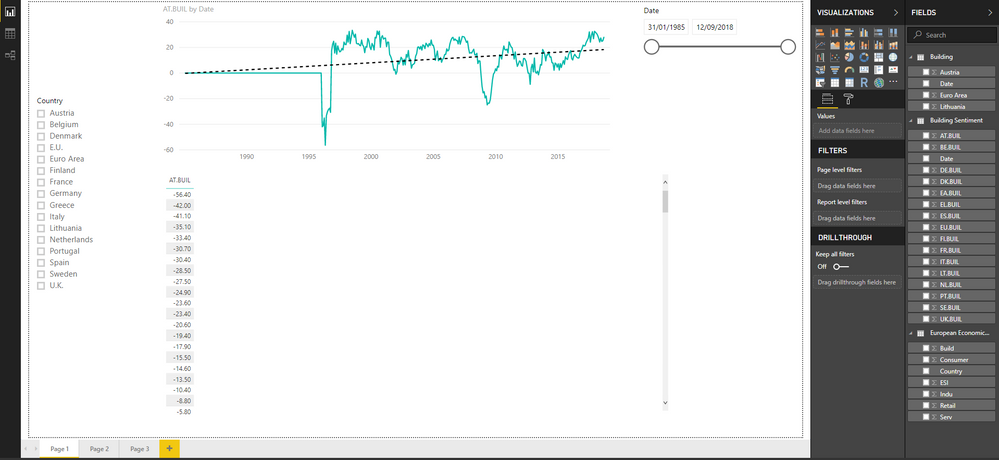
I am new to PowerBi and have quick question. I want to create new collumn called 'country' that would allow me to put it into slicer and when I select specific country it will update the chart accordingly. So for example: if I select Austria from slicer the chart will automatically show values from AT.Buil. Later on I will add more categories and charts like AT.Service, AT.Retail, etc and ultimately I want that whenever I select any of the countries all charts will show the values on charts. If you have suggestions how to go around this problem and make it more effective, I would highly appreciate that. Thank you.
Solved! Go to Solution.
Hi @Anonymous
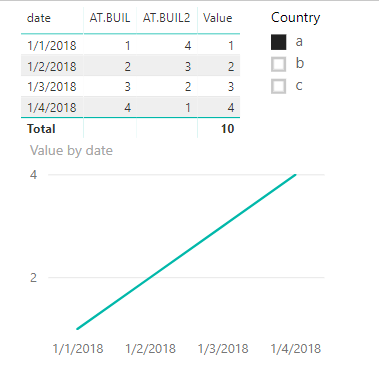
You may try to use SELECTEDVALUE Function and SWITCH Function to create the measure as requested. For example:
Value =
SWITCH (
SELECTEDVALUE ( Country[Country] ),
"a", CALCULATE ( SUM ( Table[AT.BUIL] ) ),
"b", CALCULATE ( SUM ( Table[AT.BUIL2] ) )
)
Regards,
Cherie
Hi @Anonymous
You may try to use SELECTEDVALUE Function and SWITCH Function to create the measure as requested. For example:
Value =
SWITCH (
SELECTEDVALUE ( Country[Country] ),
"a", CALCULATE ( SUM ( Table[AT.BUIL] ) ),
"b", CALCULATE ( SUM ( Table[AT.BUIL2] ) )
)
Regards,
Cherie
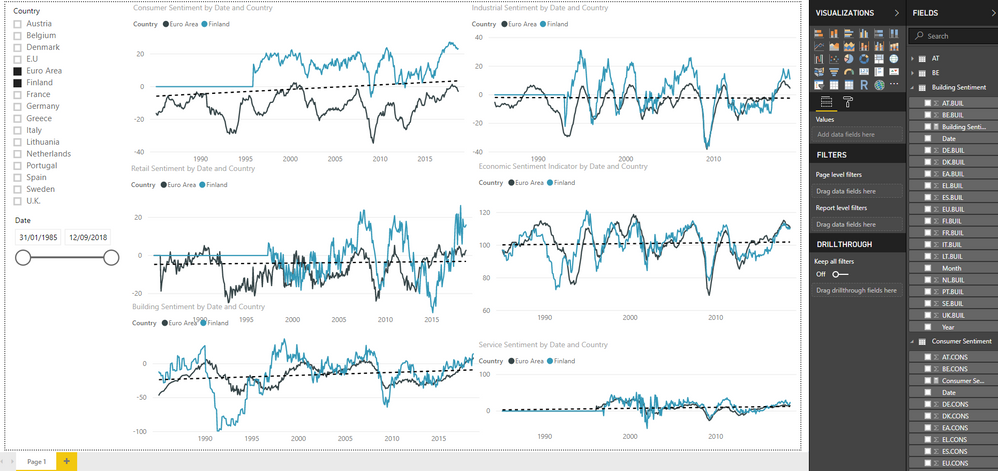
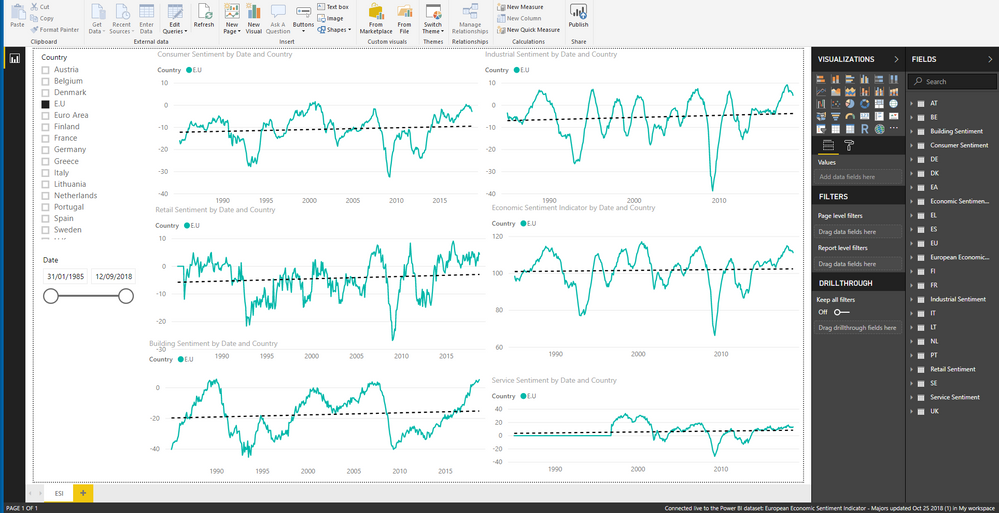
Thank you mate you are a legend. Also, one more if you or anyone could help me with. Have same dates tables across different categories and I want to add all of those dates into one measure so I could add to slicer and then update all sentiment charts similarly as I do with countries. I have tried to use same method but no luck so far. Any advice?
Thanks in advance
Hi @Anonymous
It seems you may try to create a calendar table with date column and link it with other tables. Then use the date column as slicer. You may have a look at below article about relationship.
https://docs.microsoft.com/en-us/power-bi/desktop-create-and-manage-relationships
Regards,
Cherie
Hi Cherie,
I was thinking about creating relationship between dates, however since I linked data from a excel file that is on my onedrive, all the manage relationship buttons are greyed out in pbi desktop. So either have to find a work around or go to the initial excel file and try to do change there.
I would appreciate any advice on that.
Regards,
Arnold
The Power BI Data Visualization World Championships is back! It's time to submit your entry.
| User | Count |
|---|---|
| 50 | |
| 43 | |
| 36 | |
| 33 | |
| 30 |
| User | Count |
|---|---|
| 138 | |
| 120 | |
| 60 | |
| 59 | |
| 56 |