Hi, I use PowerApps in Power BI with the PowerList list format. This tool serves as a virtual whiteboard to write down timely information and / or comments.
The difference is from Microsoft List, which works with a standalone Power BI server, so the information you register in PowerList is updated online when you enter or modify a comment.
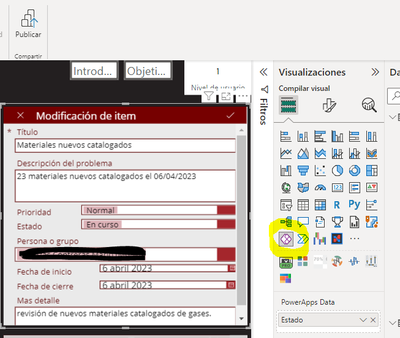
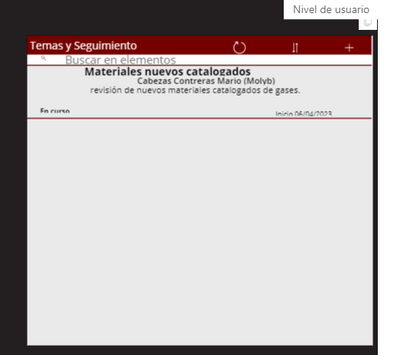
To achieve this, it is necessary to follow the following steps:
- Create a list in Microsoft List and define the necessary columns, indicating which ones are mandatory.
- After the list is created, save it to SharePoint.
- Create a PowerApp and get the information from the list we create, from SharePoint.
- Then, in Power BI, add the PowerApp created in Visualizations > Build Visual > PowerApps for Power BI.
- Link the PowerApp created for users to record comments and/or view added comments.
- It is important to note that Office 365, SharePoint, PowerApps and Microsoft List are required. In addition, you must add the database from SharePoint and use O365 access accounts to give permissions to interested users.
If you need support, let me know so we can review your developing case.
Best regards
Jefferson Varas
From Chile


