cancel
Showing results for 
Search instead for 
Did you mean: 

Get Fabric Certified for FREE during Fabric Data Days. Don't miss your chance! Request now

Reply
Anonymous
Not applicable

How do I center images in PowerBI?

Hi,


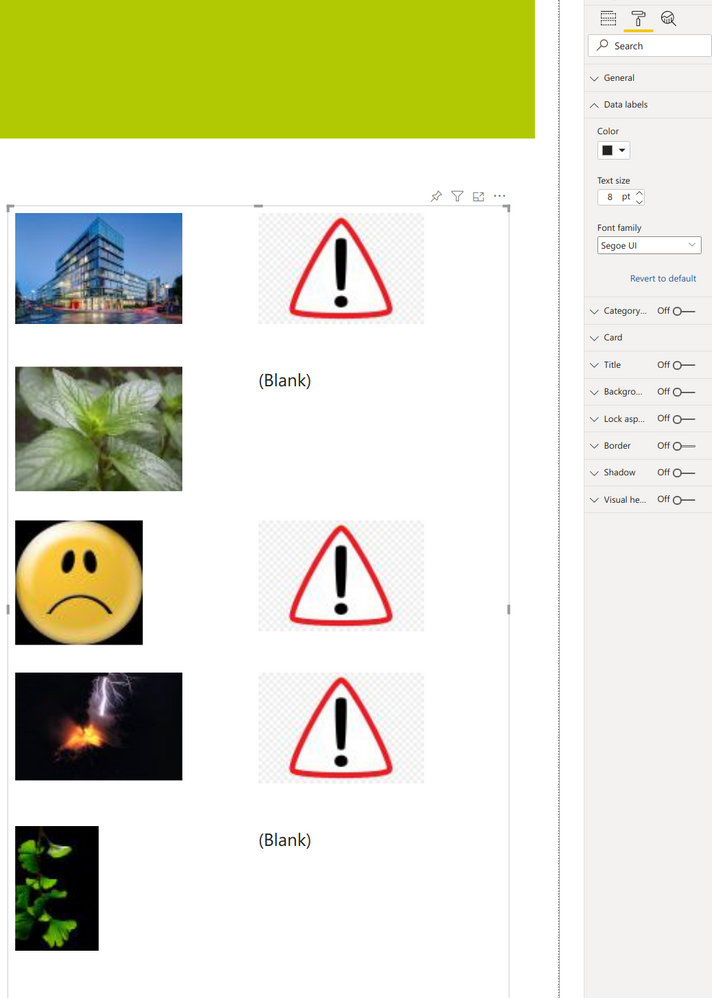
I´ve imported images via image url into a matrix. However, they are left-bound. How do I center them? I did not find an option under Visualization->Format-tab. Surely, there is a way?

2021-06-16 16_43_11-Window.png


2 ACCEPTED SOLUTIONS

Hi @Anonymous 


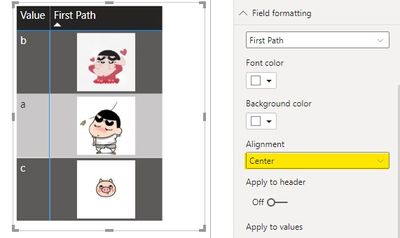
Which visual do you put images in? From your screenshot, it seems not a matrix visual. Below is my matrix.

061803.jpg


Regards,
Community Support Team _ Jing
If this post helps, please Accept it as the solution to help other members find it.

View solution in original post

Anonymous
Not applicable

Ouch!


You were right - I changed it from matrix to "multiple rows" (sth. like this) - without realizing! That's why field-formatting was not available.


Thank you!

View solution in original post

4 REPLIES 4
Anonymous
Not applicable

Ouch!


You were right - I changed it from matrix to "multiple rows" (sth. like this) - without realizing! That's why field-formatting was not available.


Thank you!

parry2k
Super User
Super User

@Anonymous go to the format pane, field formatting, select your field and then alignment:
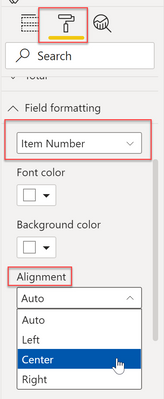
 

parry2k_0-1623856754184.png


Check my latest blog post Comparing Selected Client With Other Top N Clients | PeryTUS  I would ❤ Kudos if my solution helped. 👉 If you can spend time posting the question, you can also make efforts to give Kudos to whoever helped to solve your problem. It is a token of appreciation!

Visit us at https://perytus.com, your one-stop-shop for Power BI-related projects/training/consultancy.


Subscribe to the @PowerBIHowTo YT channel for an upcoming video on List and Record functions in Power Query!!

Learn Power BI and Fabric - subscribe to our YT channel - Click here: @PowerBIHowTo

If my solution proved useful, I'd be delighted to receive Kudos. When you put effort into asking a question, it's equally thoughtful to acknowledge and give Kudos to the individual who helped you solve the problem. It's a small gesture that shows appreciation and encouragement! ❤


Did I answer your question? Mark my post as a solution. Proud to be a Super User! Appreciate your Kudos 🙂
Feel free to email me with any of your BI needs.

Anonymous
Not applicable

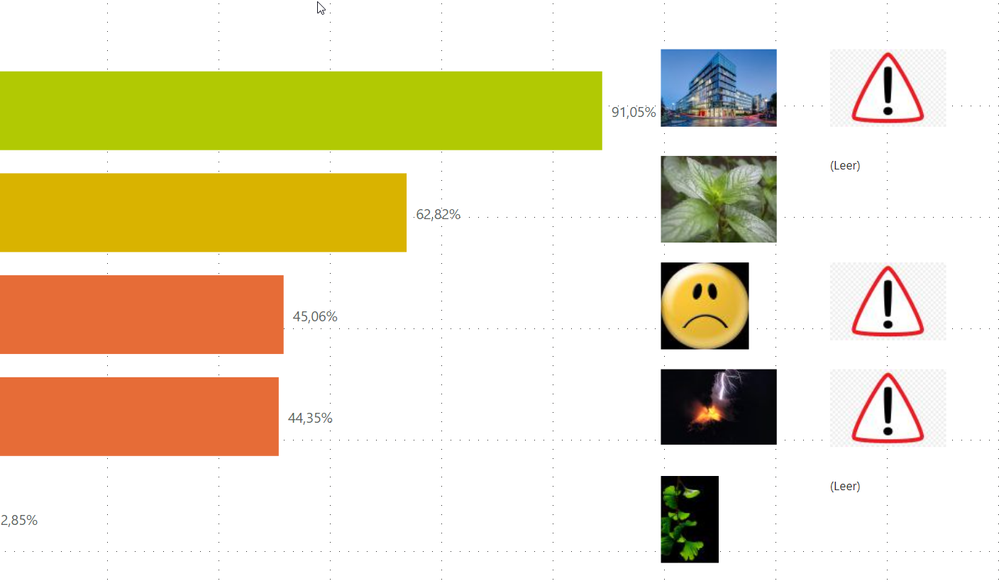
Unfortunately field-formatting is not available:Bildschirmfoto von 2021-06-17 10-47-05.png


Hi @Anonymous 


Which visual do you put images in? From your screenshot, it seems not a matrix visual. Below is my matrix.

061803.jpg


Regards,
Community Support Team _ Jing
If this post helps, please Accept it as the solution to help other members find it.

Helpful resources

Announcements
November Power BI Update Carousel

Power BI Monthly Update - November 2025

Check out the November 2025 Power BI update to learn about new features.

Fabric Data Days Carousel

Fabric Data Days

Advance your Data & AI career with 50 days of live learning, contests, hands-on challenges, study groups & certifications and more!

FabCon Atlanta 2026 carousel

FabCon Atlanta 2026

Join us at FabCon Atlanta, March 16-20, for the ultimate Fabric, Power BI, AI and SQL community-led event. Save $200 with code FABCOMM.

Top Solution Authors
Top Kudoed Authors