Forum Discussion
Filter values for last Date only
thanks. I want to see all the data. But the filter should only take into account the values in the lastest date column (in this case May).
if you filter between 70-80, but May column does not contain values between 70-80 it should not filter the table, even though values 70-80 exist in another column. hope that made sense.
https://1drv.ms/u/s!Av69y58QJYzRjyE4igUTbHkFchba
thanks again.
Hi ilcaa72,
Based on my test, you could refer to below steps:
Create two measures:
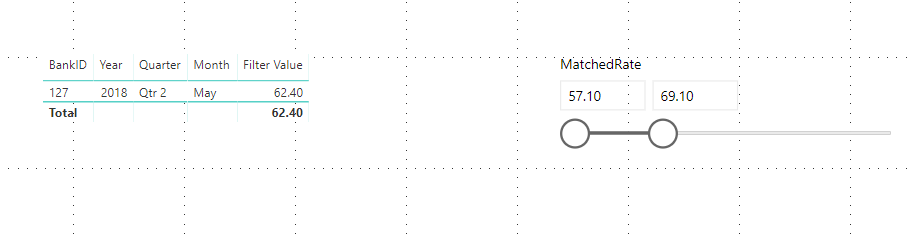
Max Month = FORMAT(MAXX(ALL('test'),IF(ISFILTERED(test[MatchedRate]),CALCULATE(MAX('test'[Date])))),"mmmm")Filter Value = CALCULATE(SUM(test[MatchedRate]),FILTER('test','test'[Date].[Month]=[Max Month]))Result:
You can also download the PBIX file to have a view.
https://www.dropbox.com/s/hvu10z27bddn9hh/Filter%20values%20for%20last%20Date%20only.pbix?dl=0
Regards,
Daniel He
- ilcaa728 years ago
Helper IV
thanks Daniel
You calculation just returns the value of the last column, (no filter on page), if I drag it onto Values, the only value that appears is the last value.
I want all the values to appear in the matrix for every month. But I only want to filter to work on the last column (most recent month). or only take into account the values of the last column. your test setup is different from my workbook that i attached,