Forum Discussion
Anonymous
4 years agoNot applicable
DAX ALL not working as expected using date
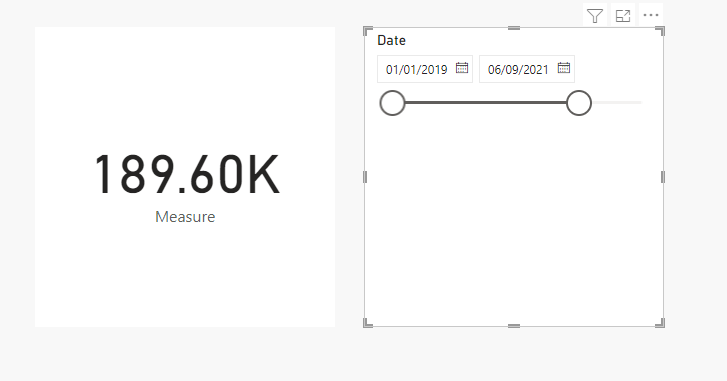
Hi, I have a measure that aggregate sales for the last seven days, see below. I want this to ignore the date slicer. However that isn't happening. The value should be £220.77K for the last seven ...
- 4 years ago
The ALL('Calendar'[Date]) is not being applied to the DATESBETWEEN function, it is only being applied to the [Sum_gross_sales] measure, so when you call MAX('Calendar'[Date]) the slicer is still in effect.
If your Calendar table is marked as a date table then you don't need to remove filters from the 'Calendar'[Date] column if you apply another filter to that column, DAX takes care of that automatically. Try using
Last 7 days = CALCULATE( [Sum_Gross_Sales], DATESBETWEEN( 'Calendar'[Date], TODAY() -7, TODAY() - 1) )
Jihwan_Kim
Super User
4 years agoHi,
Could you please try the below measure if it shows the outcome that is expected?
Measure: =
VAR _lastdateincalendartable =
CALCULATE ( MAX ( 'Calendar'[Date] ), REMOVEFILTERS () )
RETURN
CALCULATE (
'Measures Table'[Sum_Gross_Sales],
DATESBETWEEN (
'Calendar'[Date],
_lastdateincalendartable - 7,
_lastdateincalendartable - 1
)
)