Forum Discussion

Change connection/server

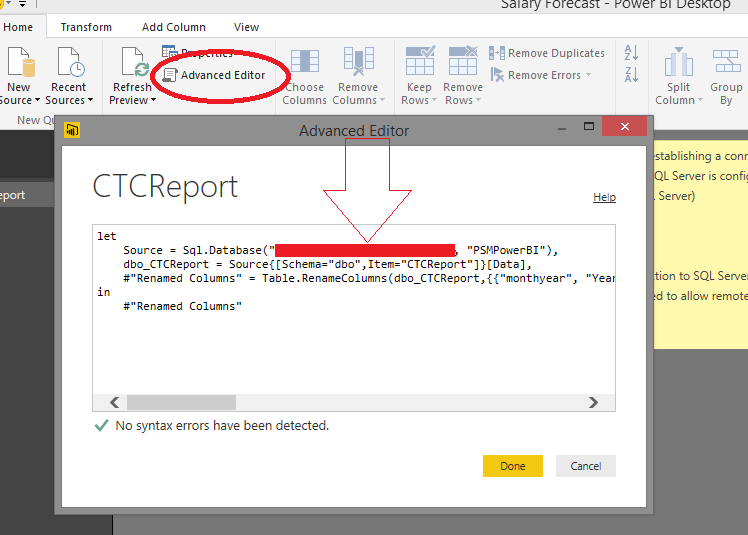
Home tab, "Edit Queries", pick your query, click on the gear next to the Source step and edit the source.

konradmd After clicking on edit queries in top ribbon. Find the steps as shown below. Hope this helps!
 konradmd11 years agoRegular Visitor
Thank you both for your help. This worked as a first step for me.
But can I change the datasource/credentials in a pbix-file without any user interaction, e.g., via command line or a startup parameter of the desktop version of PowerBI?
 malindajepsen10 years agoAdvocate I
This works great if you have one data source. I have several queries from the same SQL Server that I need to change the connection to.
I also need a way to do a "replace" for the database server/database.
 v-sadadi10 years agoMicrosoft Employee
Hi,
I even have several tables from the same SQL server. I want to update the Database name and Server name at a glance for all the tables.
Please help me on this.
Thanks
Satya
 Anonymous4 years agoNot applicable
This doesn't work for tables in DirectQuery mode. Is there another way to do this for DQ?