Join us at FabCon Atlanta from March 16 - 20, 2026, for the ultimate Fabric, Power BI, AI and SQL community-led event. Save $200 with code FABCOMM.
Register now!The Power BI Data Visualization World Championships is back! Get ahead of the game and start preparing now! Learn more
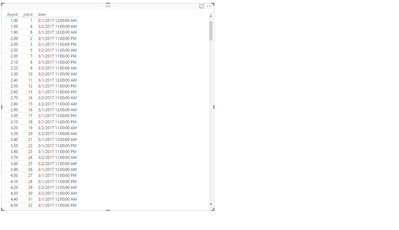
I am creating a table and the table is not shwoing the entire data. I would like to display every row in the table without the need for vertical or horizontal scroll bars. Also, the number of rows are not fixed, they change accoridng to the data. What can I do to ensure that the table autoadjusts itself and shows all the rows ?
You can create an index in the Query Editor, add the new column to the table and it will not aggregate values etc.
I'm afraid it is not possible for the built-in table visual, you can submit your idea and vote it up at Power BI Ideas.
The Power BI Data Visualization World Championships is back! Get ahead of the game and start preparing now!
Check out the November 2025 Power BI update to learn about new features.
| User | Count |
|---|---|
| 59 | |
| 43 | |
| 42 | |
| 23 | |
| 17 |
| User | Count |
|---|---|
| 190 | |
| 122 | |
| 96 | |
| 66 | |
| 47 |