cancel
Showing results for 
Search instead for 
Did you mean: 

The Power BI Data Visualization World Championships is back! Get ahead of the game and start preparing now! Learn more

Reply
sdhn
Responsive Resident
Responsive Resident

Display color on Chart Bar

Hello All,


I have  a measure as below:


 Deployed % = DIVIDE ('Tenable'[NAD],[TED],0)


I want it displays "DARK GREEN" on bar. 


NAD amnd TED are also simple measure.  Getting total values from the columns. 


Any help will be appreciated. Thanks 

1 ACCEPTED SOLUTION
v-robertq-msft
Community Support
Community Support

Hi, 

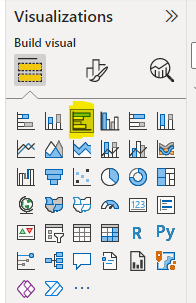
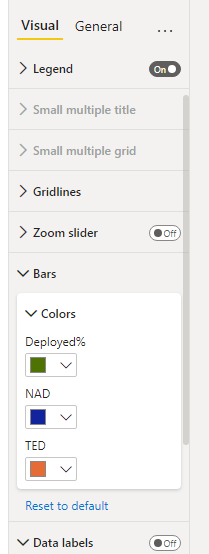
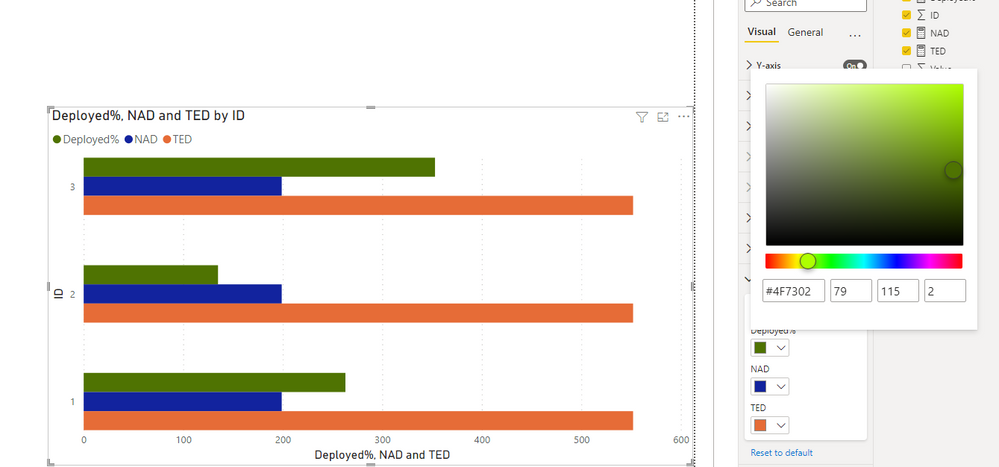
According to your description, I can roughly understand your requirement, you want to change the color on the top Bar, right? I think you can try the visual clustered bar chart, you can set the bar color for your data points in the chart based on your requirement.

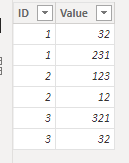
This is the test data I created based on your description:

vrobertqmsft_0-1645173721827.png

vrobertqmsft_1-1645173721830.png

vrobertqmsft_2-1645173721832.png

vrobertqmsft_3-1645173721837.png


And you can get what you want.

You can download my test pbix file below


If this result is not what you want, you can post some sample data(without sensitive data) and your expected result.

How to Get Your Question Answered Quickly 

Thank you very much!


Best Regards,

Community Support Team _Robert Qin

If this post helps, then please consider Accept it as the solution to help the other members find it more quickly.

View solution in original post

3 REPLIES 3
v-robertq-msft
Community Support
Community Support

Hi, 

According to your description, I can roughly understand your requirement, you want to change the color on the top Bar, right? I think you can try the visual clustered bar chart, you can set the bar color for your data points in the chart based on your requirement.

This is the test data I created based on your description:

vrobertqmsft_0-1645173721827.png

vrobertqmsft_1-1645173721830.png

vrobertqmsft_2-1645173721832.png

vrobertqmsft_3-1645173721837.png


And you can get what you want.

You can download my test pbix file below


If this result is not what you want, you can post some sample data(without sensitive data) and your expected result.

How to Get Your Question Answered Quickly 

Thank you very much!


Best Regards,

Community Support Team _Robert Qin

If this post helps, then please consider Accept it as the solution to help the other members find it more quickly.

VahidDM
Super User
Super User

HI @sdhn 


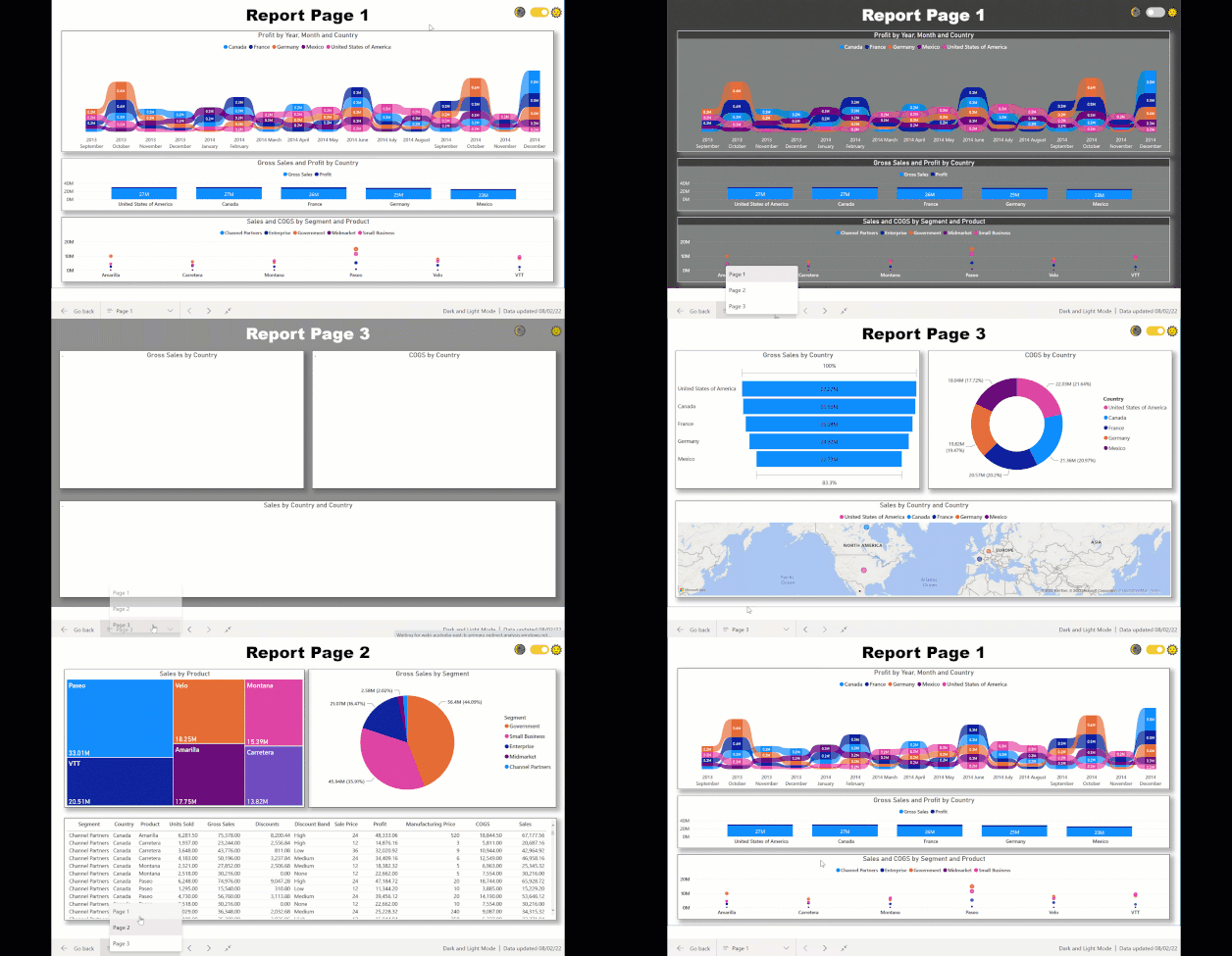
Can you add more details? Do you want to add "Dark Green" as a text or as a color in the bar chart?


Check this : https://www.vahiddm.com/post/add-dark-and-light-modes-to-your-power-bi-report


 eb50dd_3109186cde7f4ef1a0fa5d0b7f1ba07b~mv2


Appreciate your Kudos!!
LinkedIn: 
www.linkedin.com/in/vahid-dm/


sdhn
Responsive Resident
Responsive Resident

Only to the BAR , somehow not able to change color on top Bar.  Values are coming from measure on top Bar and it is in % format.  Below BAR values are coming from calculated column and it is on Whole Number format. 

Helpful resources

Announcements
Power BI DataViz World Championships

Power BI Dataviz World Championships

The Power BI Data Visualization World Championships is back! Get ahead of the game and start preparing now!

November Power BI Update Carousel

Power BI Monthly Update - November 2025

Check out the November 2025 Power BI update to learn about new features.

FabCon Atlanta 2026 carousel

FabCon Atlanta 2026

Join us at FabCon Atlanta, March 16-20, for the ultimate Fabric, Power BI, AI and SQL community-led event. Save $200 with code FABCOMM.